Box, Papers and Accessories: What Makes a Collectible Complete?
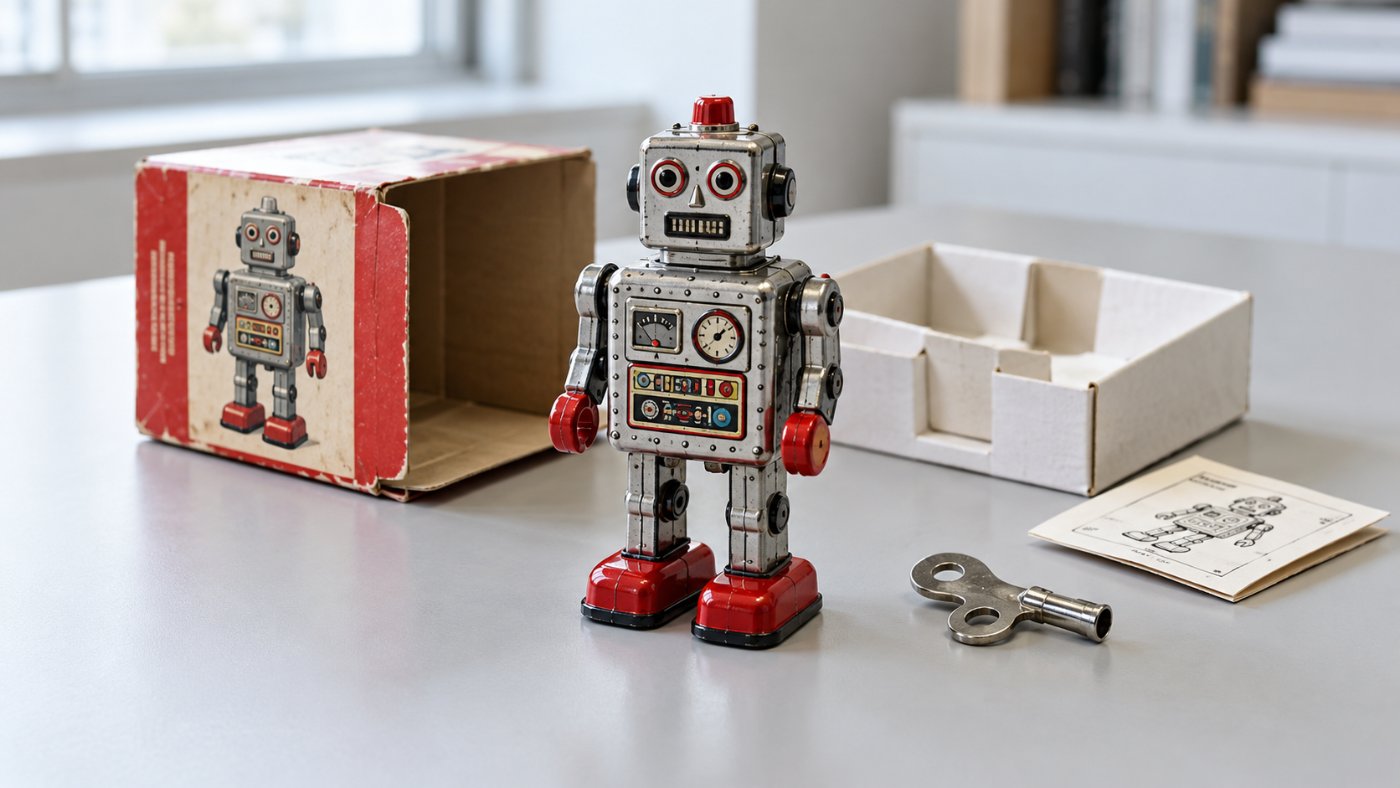
Does the box really belong with the item? See how to record packaging, papers, and accessories when a collectible’s exact release or history is uncertain.
You find another Chewbacca PEZ dispenser while researching your own. The character matches. At first glance, the dispenser looks similar too. Then you notice the packaging is different.
Is it a different release? Packaging for another market? Or has one dispenser been paired with packaging it did not originally come in? Until you know, calling yours “complete” may say less than you think.
Packaging questions like this occur across collecting. A box can help identify a release, but the presence of a box does not settle what belongs with the object. A clear record needs to describe what is there, how it relates to the item and which parts remain uncertain.
Let the difference guide the next check
In this worked example, the packaging difference is the starting point. There is no confirmed release identification to jump to.
Look at the dispenser and packaging separately. Record the visible markings on the item, then any product references, printed text, and other identifying details on the packaging. Photograph the whole package and the details you would need to compare. A front-facing display photograph may conceal the information on the back that would help explain the difference.
Keep what you observe separate from your interpretation. A printed date is something you can transcribe. What that date establishes about the release or production of the item may still need checking. The same applies to a seller's description: preserve it as a source, then see whether the visible details support it.
CollectorOps lets you keep those photographs and notes with the item. For the PEZ dispenser, that means the question about the packaging stays beside the images that prompted it, rather than disappearing into a browser tab or a separate note on your phone.
The next search can now be more precise. Look for a reference that explains this packaging, using the details you have recorded. Manufacturer material or a specialist reference may help. Another listing with a familiar character and an unsupported date is a lead, not a resolution.
Describe the set you can actually see
“Complete” works only when you know what the relevant release should include. Until then, a short account of what is present is more useful than a confident label.
For the unresolved PEZ example, the record could look like this:
| Part of the record | What can be stated now |
|---|---|
| Dispenser | Chewbacca character; exact release still to be confirmed. Visible markings photographed. |
| Packaging | Present and photographed front and back. Relationship to this particular dispenser not yet established. |
| Comparison | Another example has different packaging. Retain its source and the date checked as a research lead. |
| Open question | Which release does this packaging belong to, and does the dispenser match it? |
The central question is still open, but you can now show someone the details needed to investigate it.
If the item is sealed, record what is visible without opening it just to complete a checklist. State which contents you have not inspected. A sealed package and a checked inventory are different kinds of evidence.
Present is not the same as original
When research provides an answer, use wording that reflects how much it establishes. A package can be appropriate for a release without evidence that it accompanied this particular item from new.
That distinction matters beyond packaging. A replacement accessory may be correct for a figure. A manual may belong to the right edition but have been bought separately. A watch may have a matching presentation box without a documented connection to its original sale.
The record should keep those histories visible. “Replacement manual bought separately” is more informative than “with manual”. “Box present; original association unconfirmed” is more precise than “original box” when you have not established that link.
Papers deserve the same care. Name the document: purchase invoice, warranty card, service report or certificate. Record any identifying number that connects it to the item. A service report may be valuable history, but it does not become original purchase paperwork because it is stored in the same folder.
You do not need to make every record read like an auction catalogue. A brief description that another collector can check is usually enough. CollectorOps' documentation checklist provides a broader starting point for connecting those details with photographs and documents.
Keep condition and location in the same account
Even after you know what belongs together, condition remains a separate question. Packaging can be present with a torn flap. An accessory can be original with a broken tip. Record the damage beside the component it affects rather than hiding it inside a general condition label for the whole item.
If you store the extras elsewhere, add their location to the item's notes in CollectorOps. A box on one shelf and paperwork in another drawer can still form an understandable record, provided the connection is explicit. Use a separate storage label or inventory slip where useful, without attaching it directly to collectible surfaces.
When something changes, add a dated explanation. Finding an old document, buying a replacement or receiving a specialist's identification should improve the account without erasing how you reached it.
The Chewbacca packaging question may still need an answer. But you can now show exactly what you have, explain why the comparison is uncertain and avoid carrying an unsupported description into a future valuation or sale. Just give it a go in your portfolio.